

-
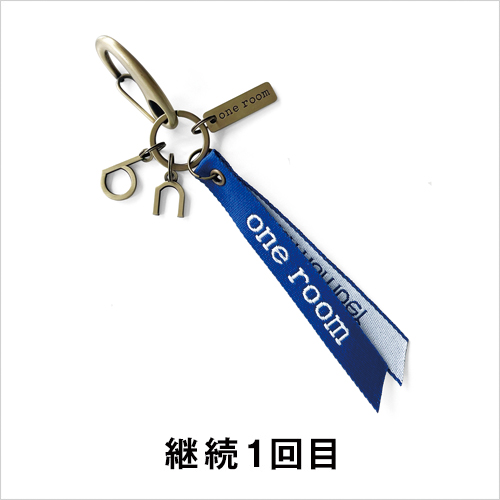
one room original
"Carabiner Keychain" &
one room strap (blue)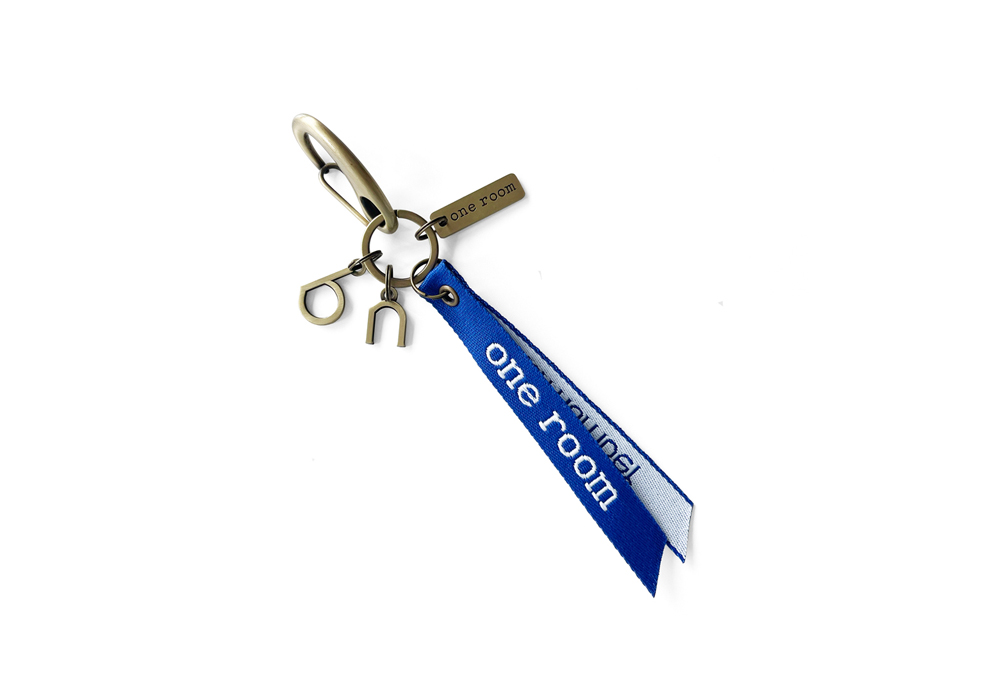
継続1回目
one roomオリジナル「カラビナキーホルダー」&
one roomストラップ(ブルー) -

one room original
"Neck holder" &
one room Strap (Green)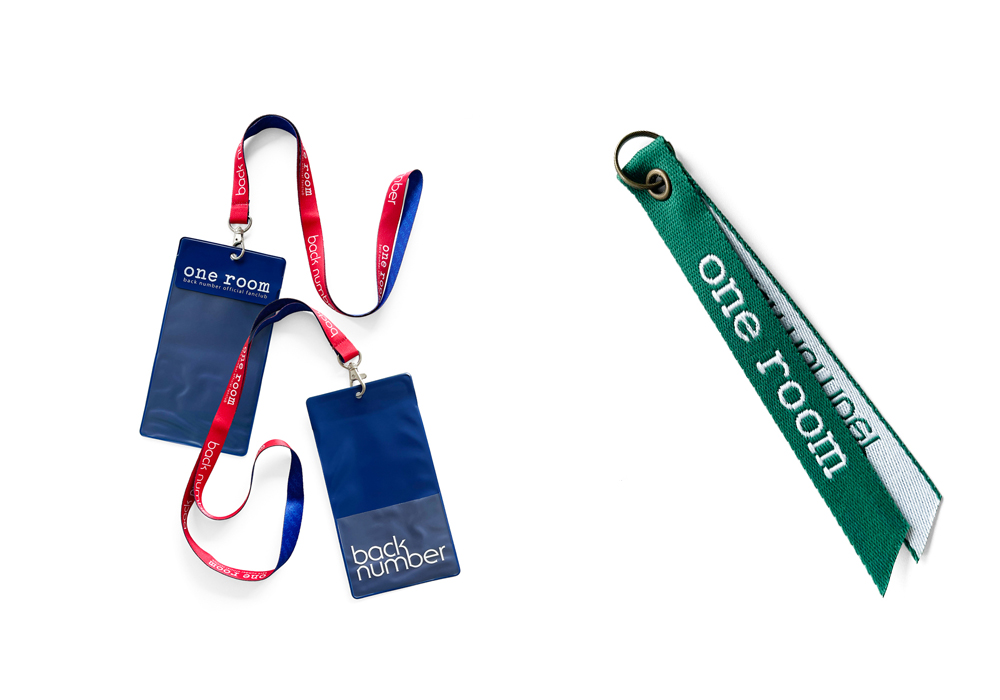
継続2回目
one roomオリジナル「ネックホルダー」&
one roomストラップ(グリーン) -
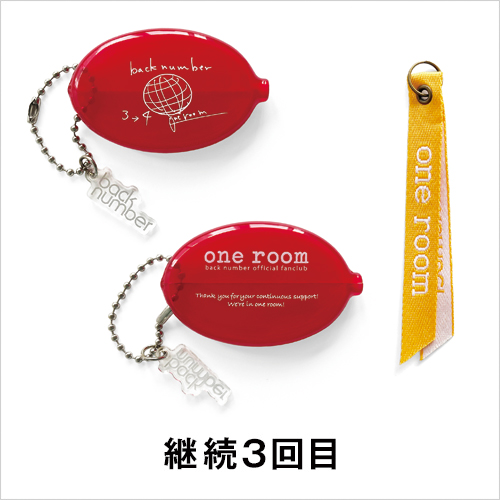
one room original
"Rubber coin case Iyori"
one room Strap (Yellow)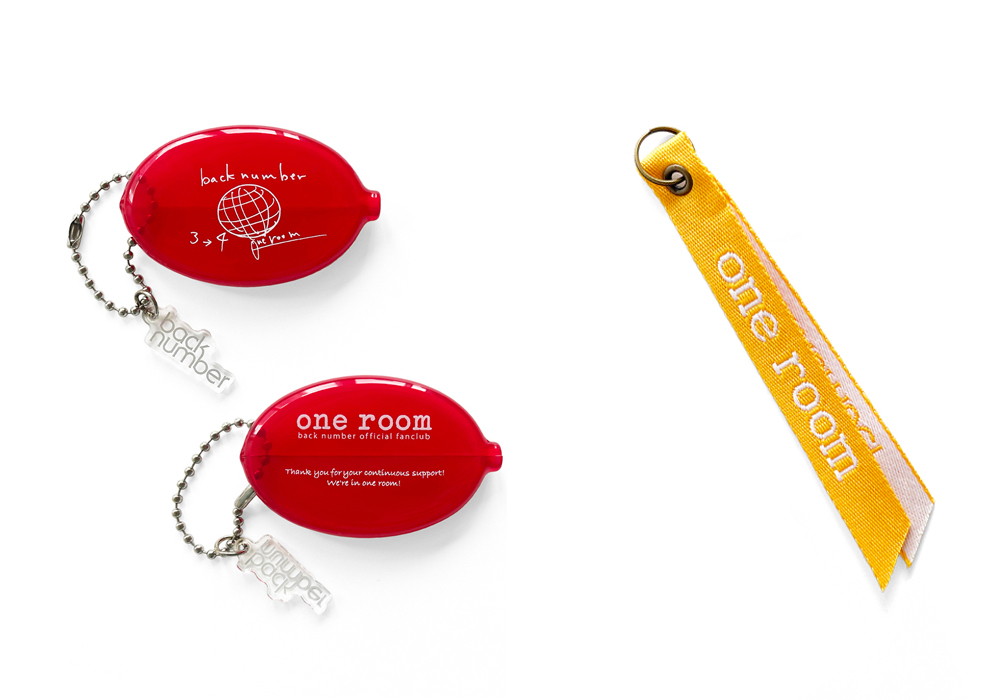
継続3回目
one roomオリジナル「依与吏手描きイラスト入りラバーコインケース」&
one roomストラップ(イエロー) -
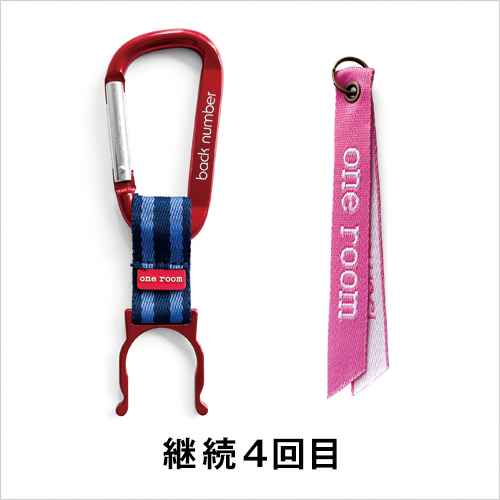
one room original
"Plastic bottle holder" &
one room Strap (Pink)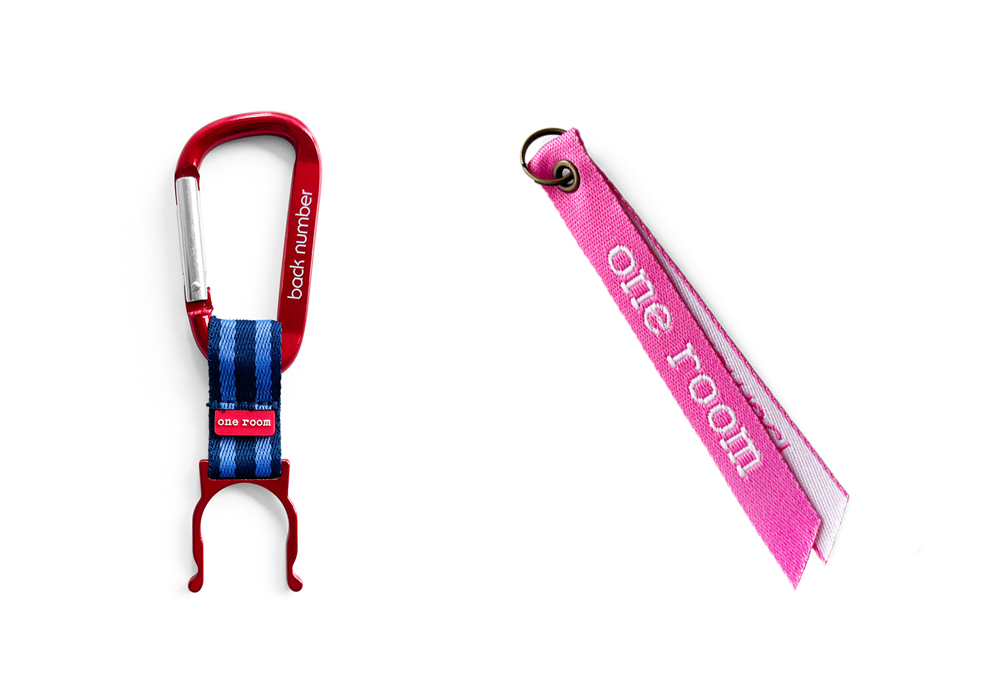
継続4回目
one roomオリジナル「ペットボトルホルダー」&
one roomストラップ(ピンク) -

one room original
"Foldable Eco Bag" &
one room Strap (White)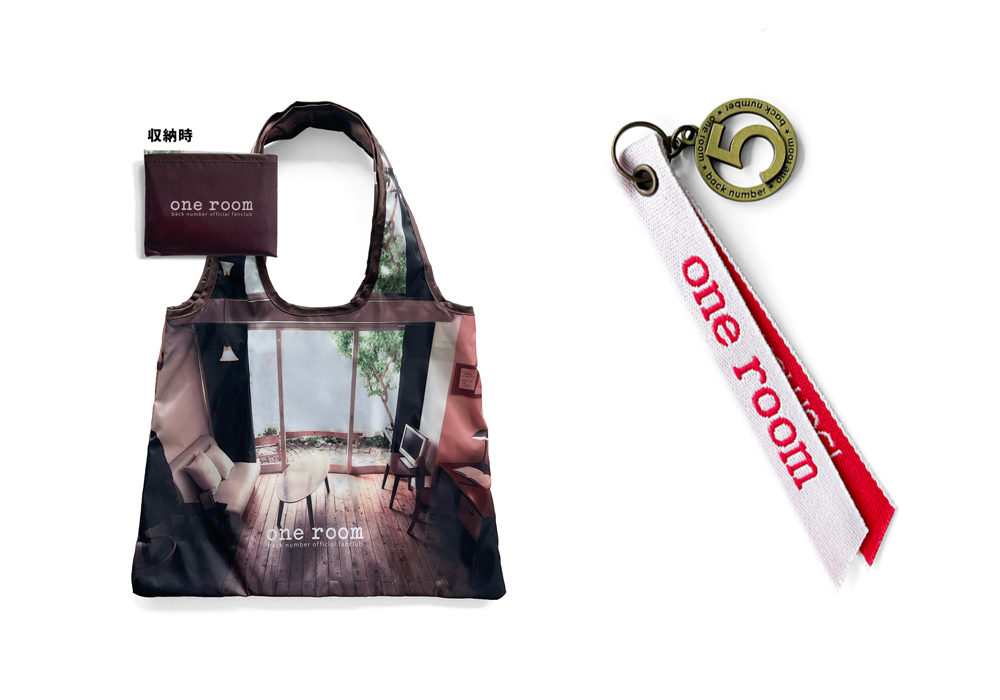
継続5回目
one roomオリジナル「折りたたみエコバッグ」&
one roomストラップ(ホワイト) -
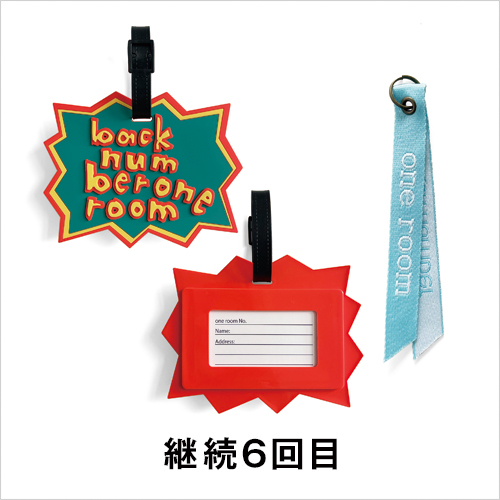
one room original
"Luggage Tag" &
one room Strap (Light Blue)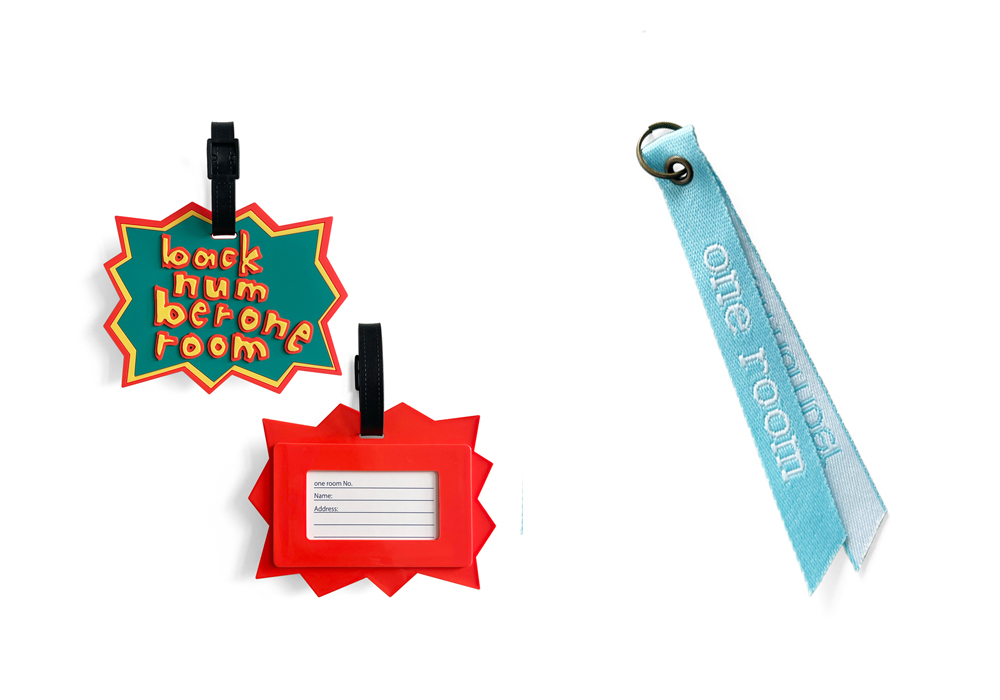
継続6回目
one roomオリジナル「ラゲッジタグ」&
one roomストラップ(ライトブルー) -
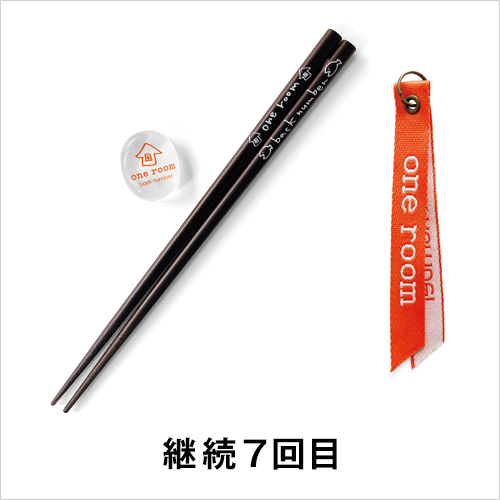
one room original
"Chopsticks and chopstick rests Iyori"
one room Strap (Orange)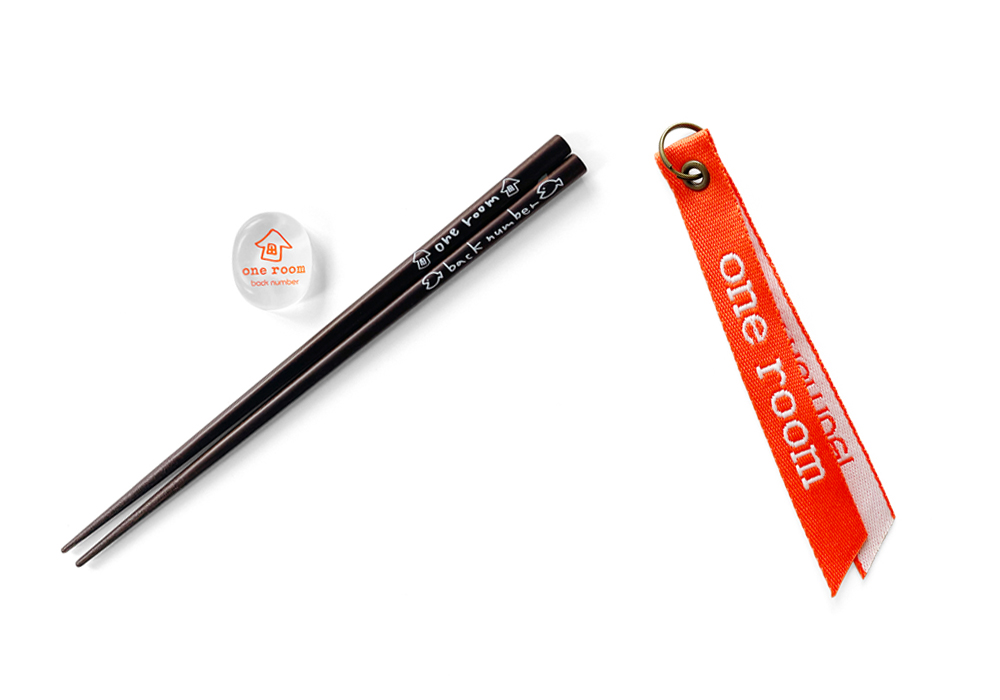
継続7回目
one roomオリジナル「依与吏手描きイラスト入り箸&箸置き」&
one roomストラップ(オレンジ) -
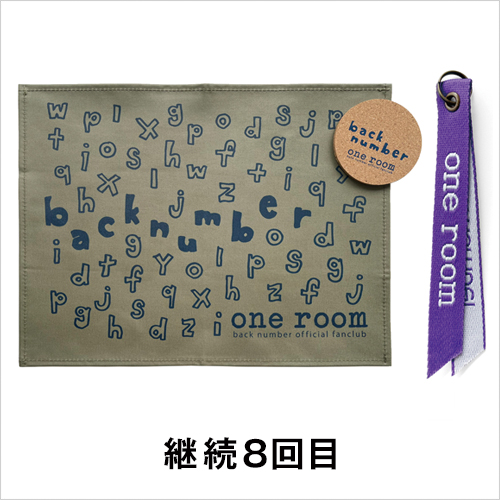
one room original "placemat & coaster" &
one room strap (purple)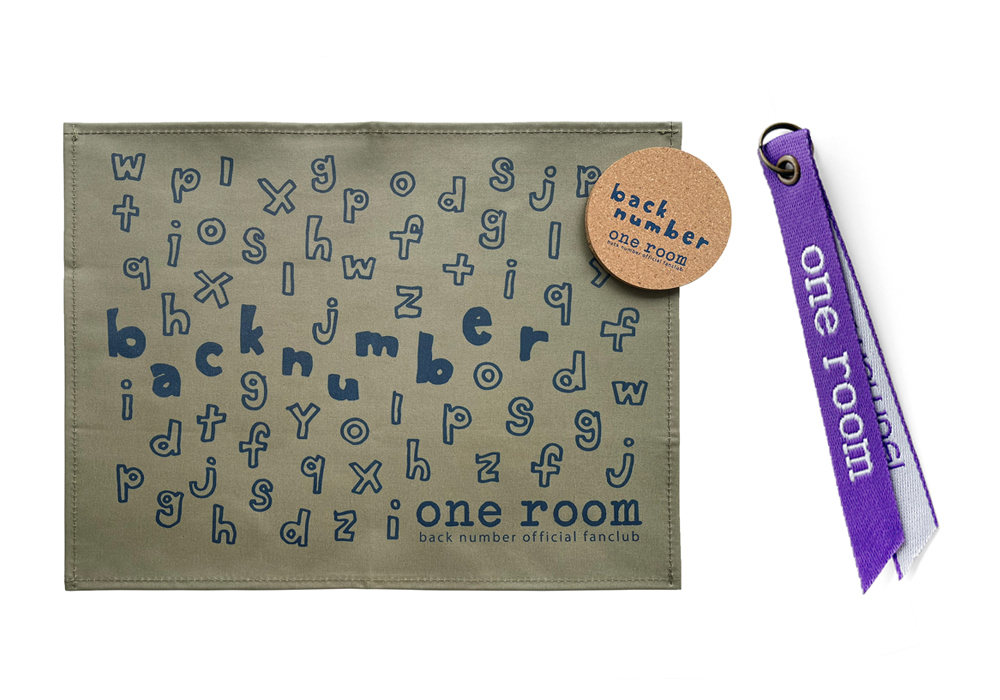
継続8回目
one roomオリジナル「ランチョンマット&コースター」&
one roomストラップ(パープル) -
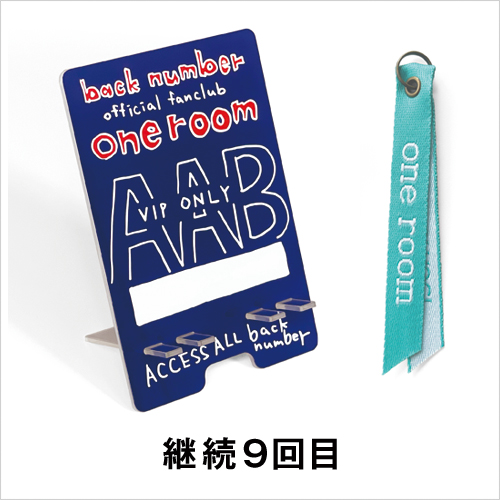
one room original "Smartphone Stand" &
one room Strap (エメラルドGreen)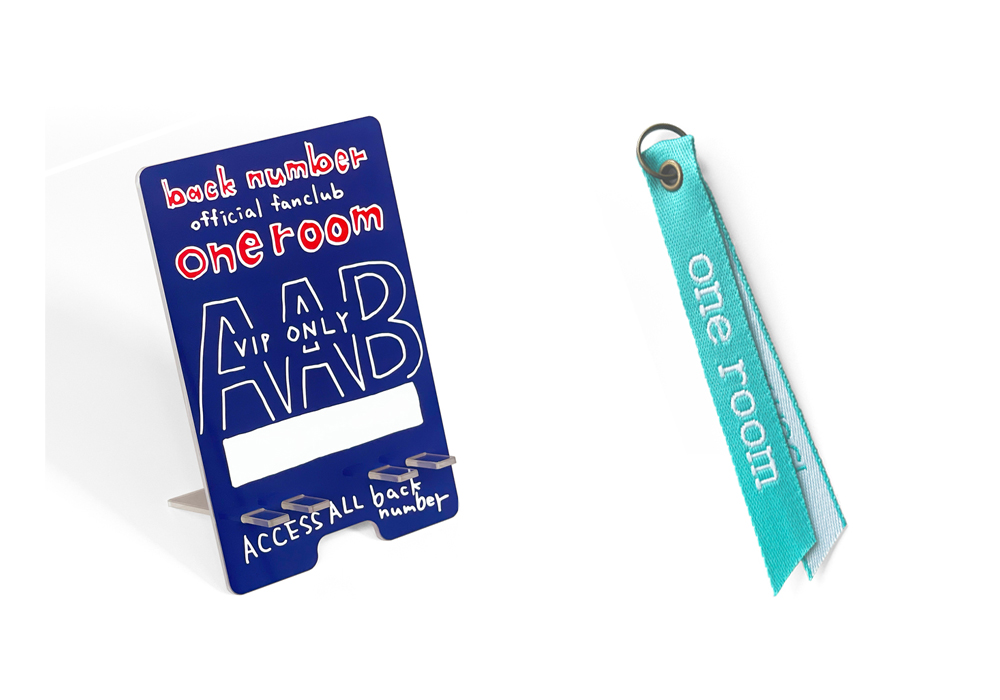
継続9回目
one room オリジナル「スマートフォンスタンド」&
one roomストラップ(エメラルドグリーン) -
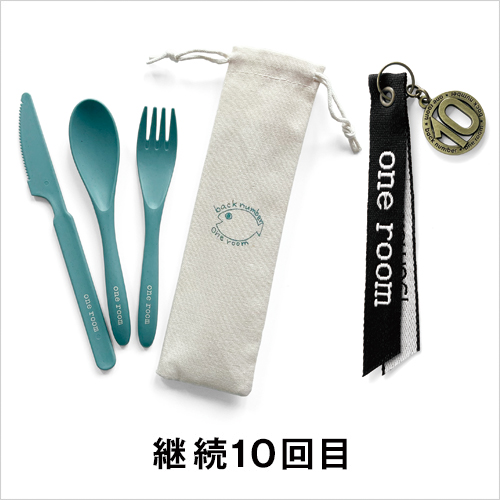
one room original "Cutlery Set" &
one room strap (black)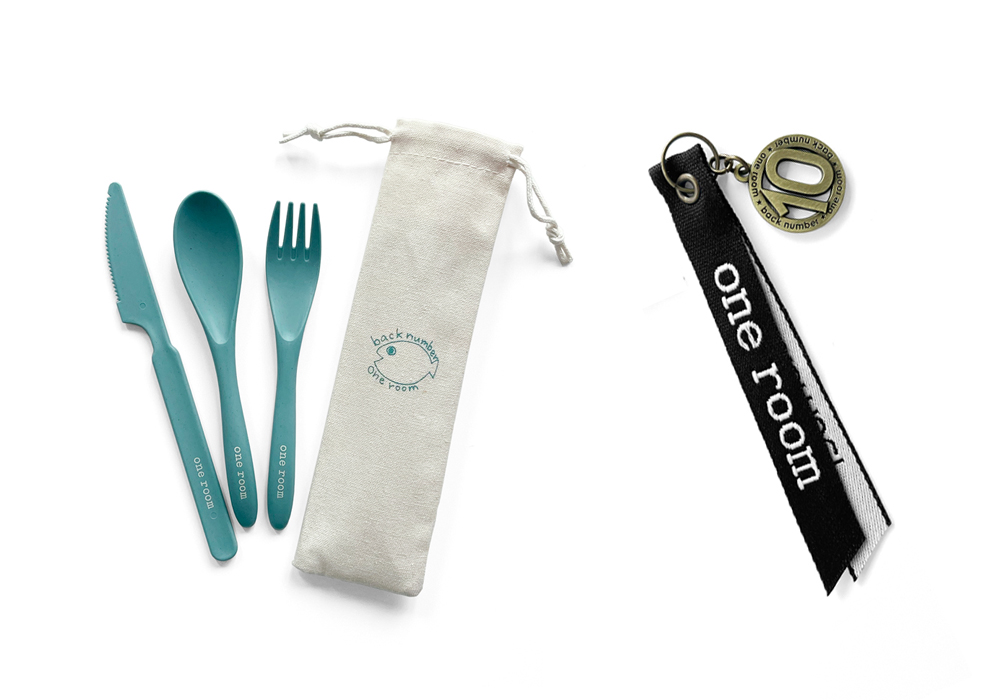
継続10回目
one room オリジナル「カトラリーセット」&
one room ストラップ(ブラック) -
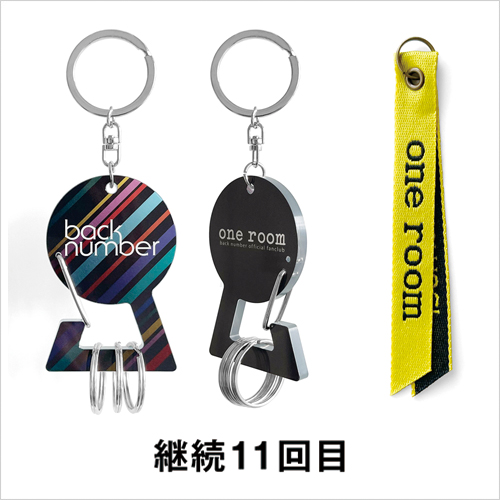
one room original "acrylic carabiner keychain" &
one room strap (lemon yellow)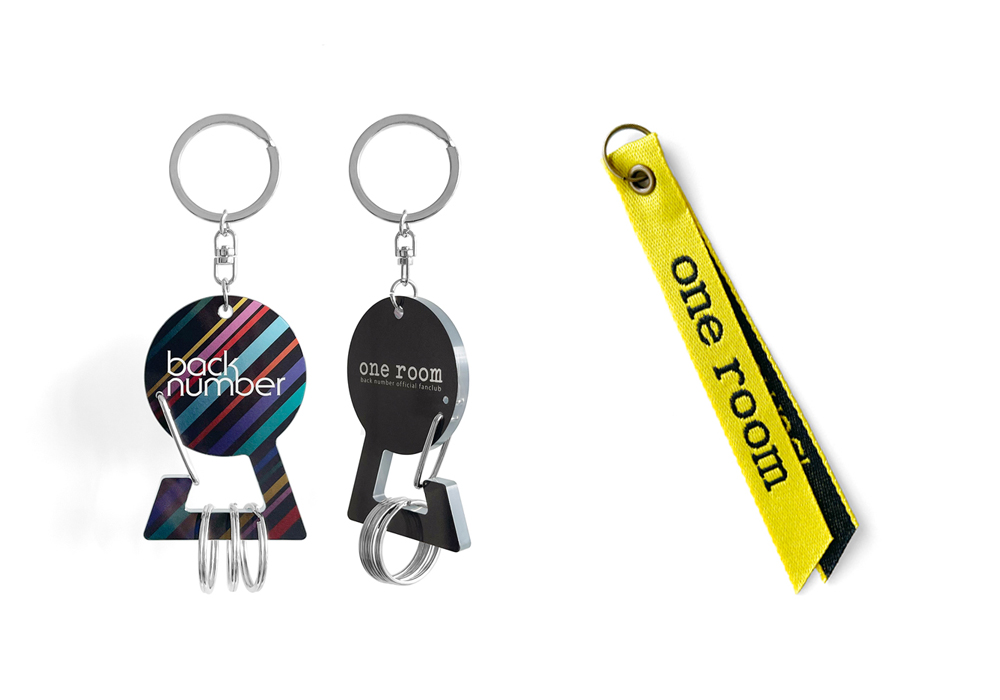
継続11回目
one room オリジナル「アクリルカラビナキーホルダー」&
one room ストラップ(レモンイエロー) -
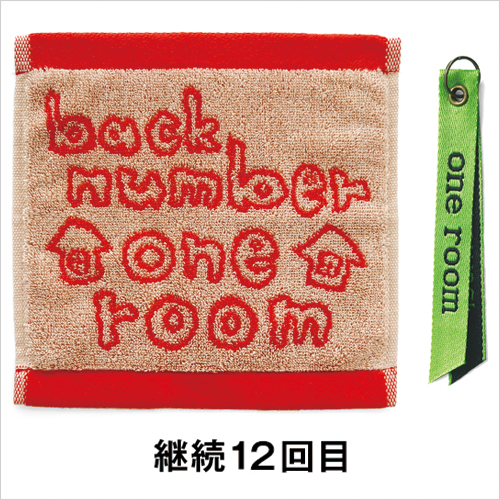
one room original "Jacquard Hand Towel" &
one room strap (light green)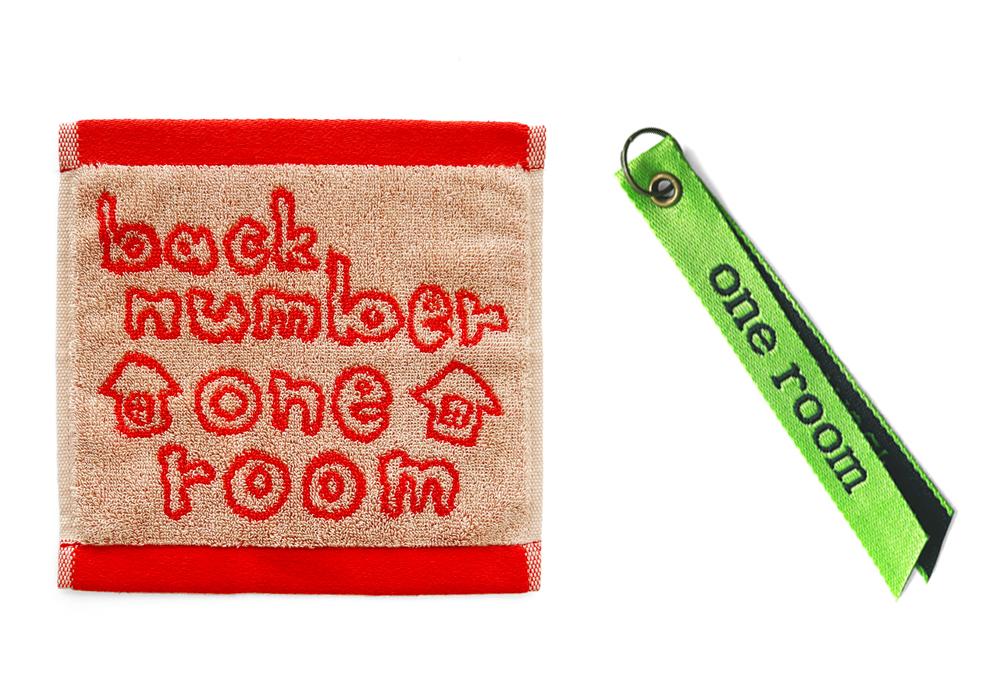
継続12回目
one roomオリジナル「ジャガードハンドタオル」&
one roomストラップ(ライトグリーン) -
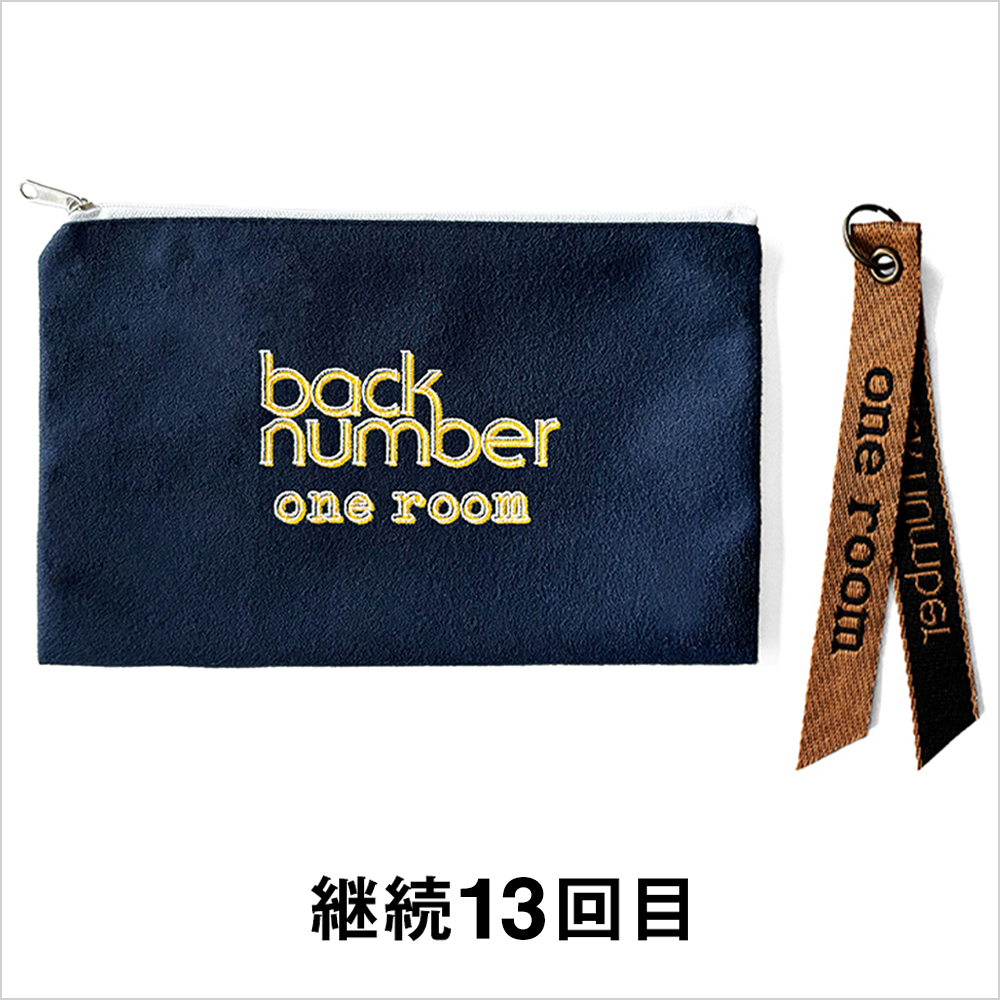
one room original "flat pouch" &
one room strap (brown)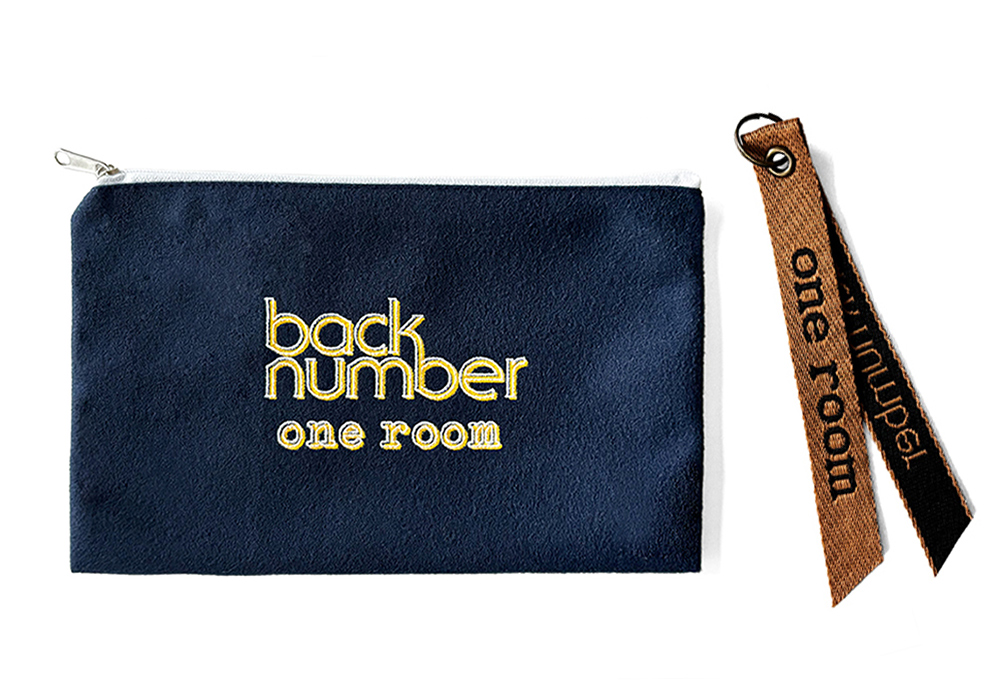
継続13回目
one roomオリジナル「フラットポーチ」&
one roomストラップ(ブラウン)
Fan club membership renewal procedures
Membership renewal bonus gift!
Those who continue their membership registration within the processing period will receive an original bonus every time!
In addition, we will give you one room strap of a different color for each renewal,
You can attach it to the "one room special carabiner keychain" that comes as a first-time renewal benefit, or to your membership card.
Please collect them as proof of your one room membership.
- *The bonus is an image, so the design, color, etc. may differ from the actual product.
- *Please note that the benefits may change without notice.
About renewal procedures
You will need to renew your membership every year. Please check your expiration date in advance.
If you choose to pay by credit card when renewing, your annual membership fee will be automatically paid from the next time onwards.
*If there is a problem with your registered card, such as an expired credit card, automatic renewal will not be possible. Please carefully check the instructions on the website and the screen that appears after logging in.
You can pay the renewal fee of 5,800 yen (tax included) by credit card or at a convenience store.
In addition, the renewal period is limited to one month before or after the month of renewal.
Please note that if you exceed this period, you will be considered a new member and your membership number will be new. Even if you renew your membership in one month, your next renewal will be in the original renewal month.
(Example) Joining date: April 6, 2022 (valid from April 6, 2022 to April 30, 2023)
Renewal period: March 1, 2023 to May 31, 2023
Next expiration date: April 30, 2024
*For one month after expiration, you will not be able to use any content other than My Page until the renewal procedure is completed.
Please note that you will also not be eligible for member benefits such as advance ticket sales.
How to continue
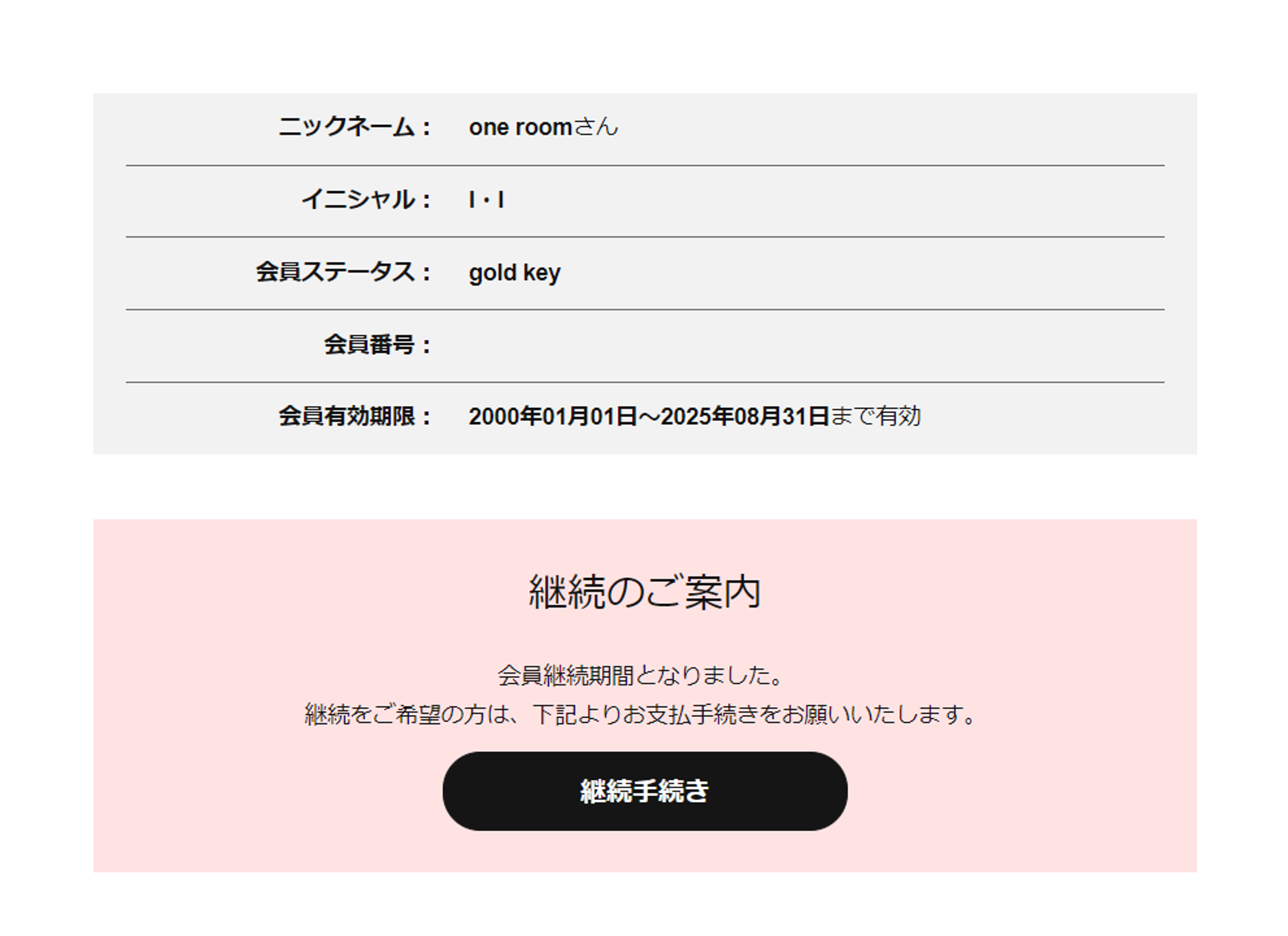
When it is time to renew, log in to one room website and click the "Renewal Procedure" button on the top screen, or select "My Page" from the menu bar and press the "Pay Annual Fee" button. Follow the instructions on the screen to complete the procedure.
-
1. Click "Continuation Procedure" on My Page
-
2. Select a payment method
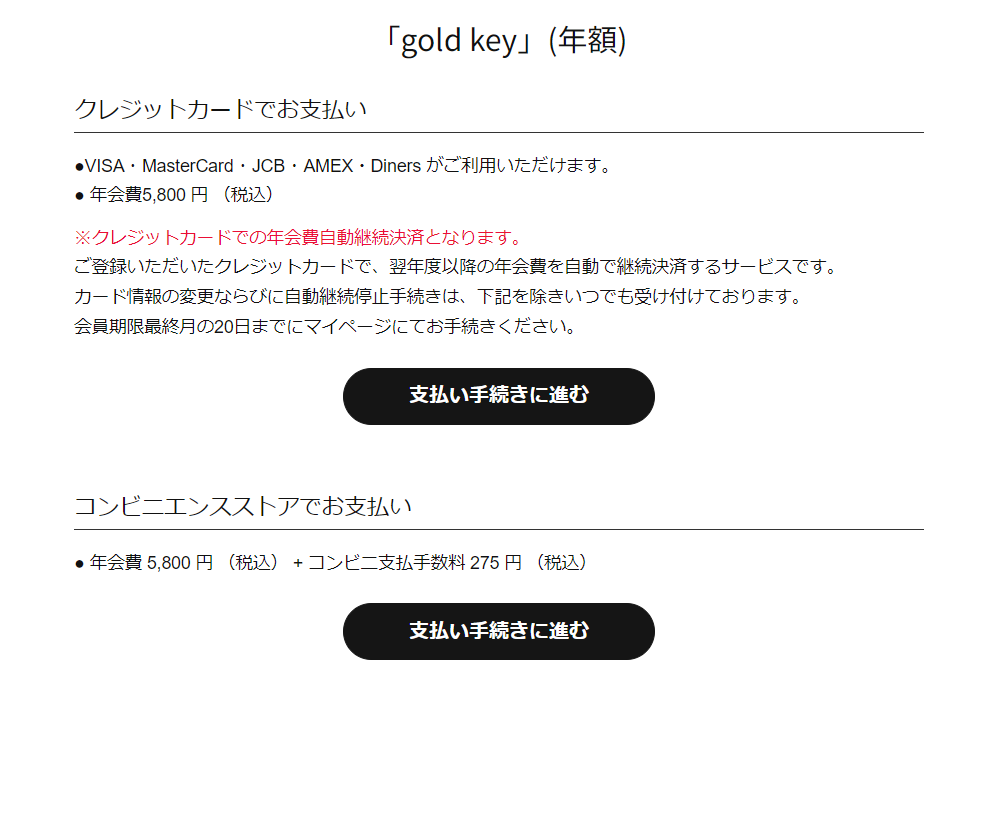
- Those who chose to pay by credit card
- Enter your card number and expiration date and follow the instructions on the screen to complete the process. The payment will be processed immediately and the process will be completed. (You will receive an email confirming the process has been completed.)
Please check your My Page to confirm that the expiration date has been extended.*If you are using iPhone iOS15, an error may be displayed when registering with a credit card.
Please click here for details. - Those who selected convenience store payment
- Please follow the instructions on the screen to complete the procedure. We will send you an email with payment instructions, so please follow the instructions when you receive it. Convenience store payment numbers are valid for three days. Please make your payment using the payment number issued within three days.
Once the procedure is complete, please check your My Page to confirm that the expiration date has been extended.
(Note) [For those who selected convenience store payment and did not receive an email regarding payment methods]
The email will be sent immediately after you select your payment method. If you do not receive the email, it means that your email settings are not configured to receive emails from the @oneroom.info domain. Please check your My Page or contact us via the website.
*Even if you register a recipient in the [Designated Receiving List Settings] while spoofing restrictions are enabled, you will not be able to receive emails. For details, please contact your mobile phone company or provider.
<Regarding bonus shipping dates>
Renewal benefits will be sent the month following the month in which renewal is completed.
If you have not received your package within two months, please contact us via one room website and we will look into the matter.
Please note that if you do not contact us within three months, we will not be able to resend the item.