


Please access this from your smartphone.

What is an AR camera?
公演当日、ファンクラブブース付近で配布するカードに掲載されたツアーキービジュアルをアプリで読み込むと、キービジュアルと一緒に記念撮影ができる「ARカメラ」企画を実施いたします!
Anyone who has downloaded back number app can use this service.
Please enjoy taking commemorative photos at the performance.
How to play
-
01
Tap the camera icon in the upper right corner to launch the AR camera.

-
02
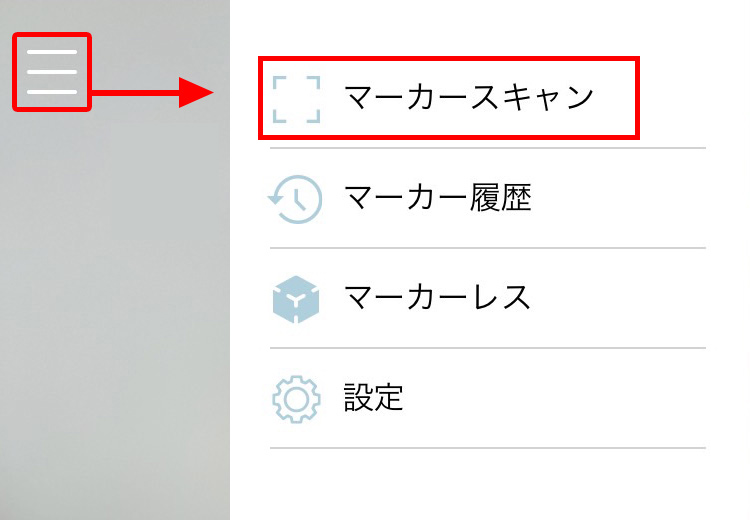
Select "Marker Scan" from the three-line menu bar in the upper left corner.
-
03
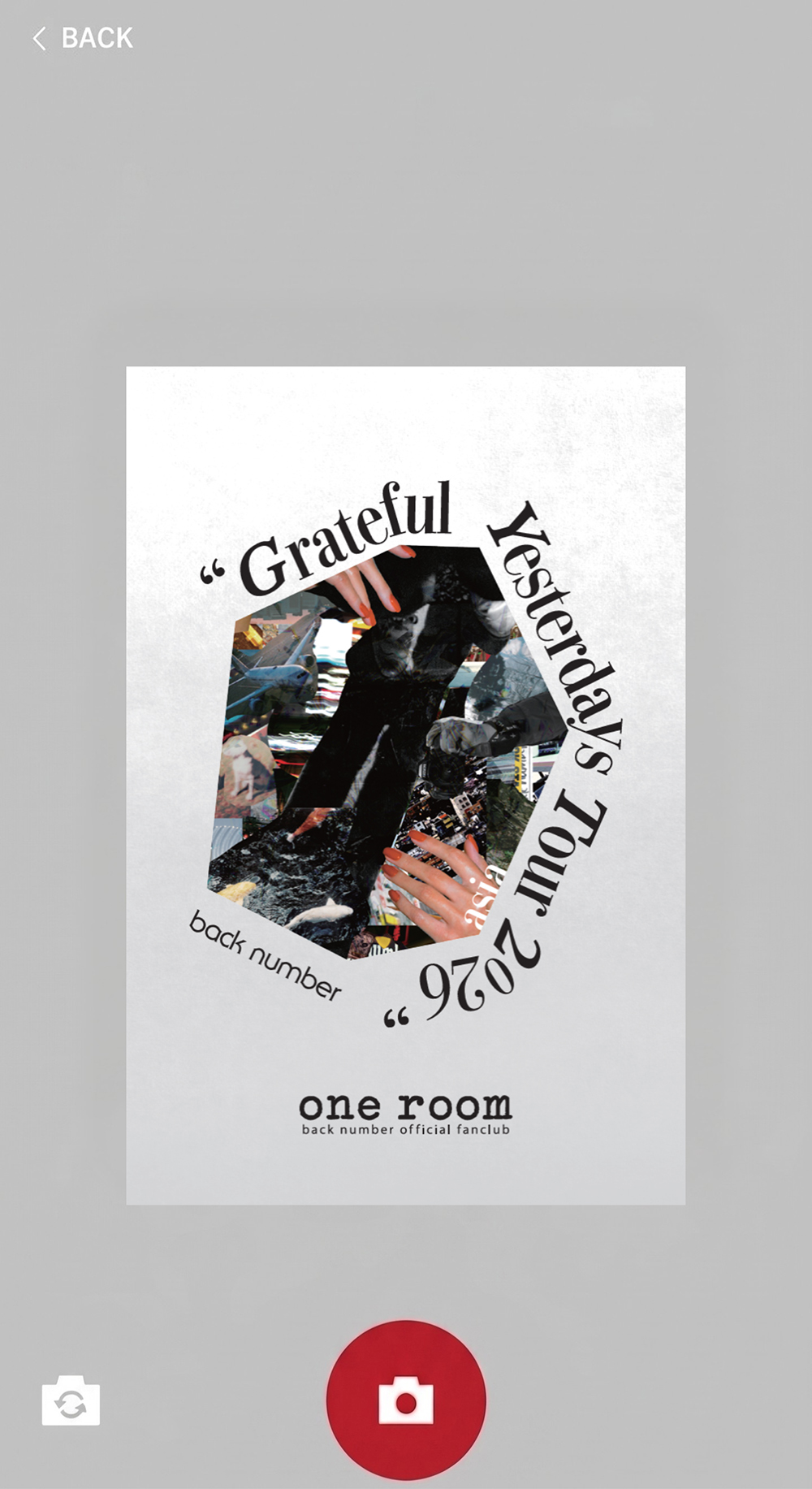
Read the key visual on the card's surface.
-
04
A frame appears on the screen!
Please move it to your preferred position and size before taking the photo.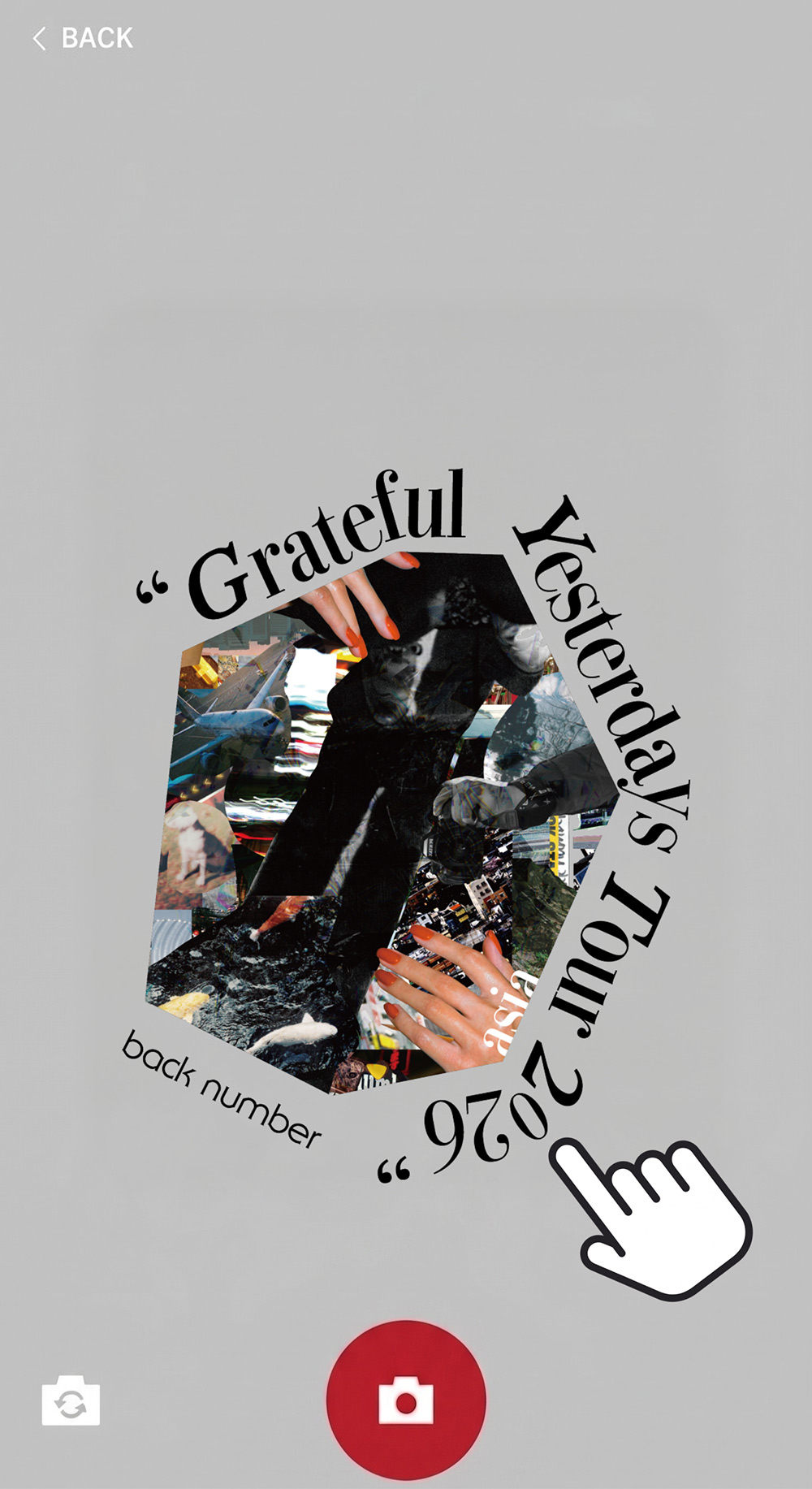
- *You can also switch between the front and rear cameras by tapping the gray camera icon in the bottom left corner.
- *Please note that your previous markers will be reset if you change your device.
subject
This can be enjoyed by both members and non-members back number official fan club, "one room".